
Can Security Cameras Record Audio in Massachusetts?
The short answer: security cameras can record audio in Massachusetts only in circumstances that do not amount to a willful, secret interception. Massachusetts General Laws Chapter 272, §99 covers secretly listening as well as secretly saving a conversation. Actual knowledge can remove the secrecy — but a visible camera or a generic “video surveillance” sign may not tell every visitor that a microphone is active. For an always-on home or business camera, the lower-risk default is to disable audio unless a Massachusetts attorney approves the use, notice, and authorization process.
This article is general information, not legal advice.
Legal sources reviewed August 2026
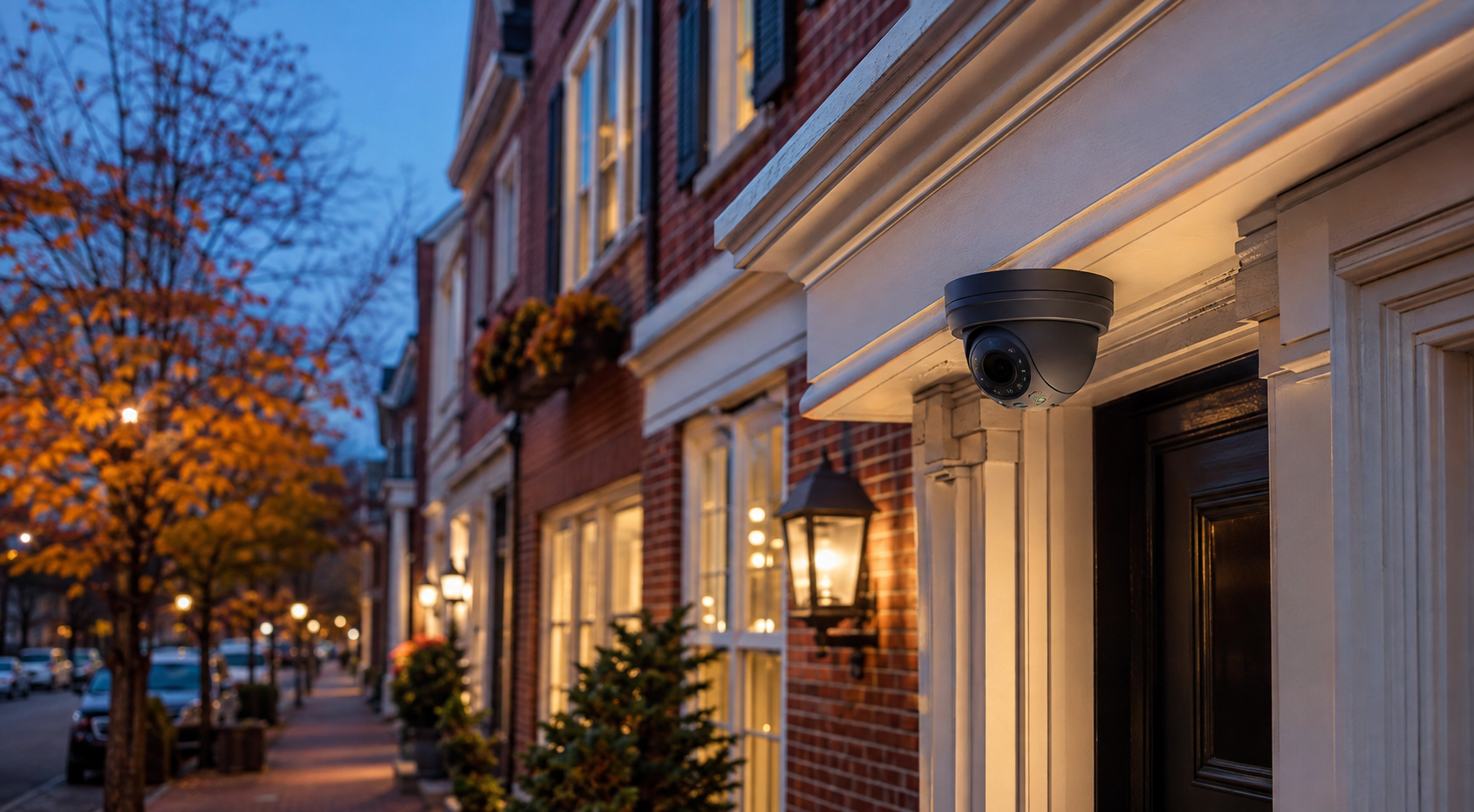
Can security cameras record audio in Massachusetts? Security cameras may have audio capability, but Massachusetts generally prohibits secretly hearing or recording oral communications. A visible camera or generic video-surveillance sign may not prove that people know a microphone is active. The lower-risk default is to disable camera audio unless a Massachusetts attorney approves the use, notice, and authorization process.
The Massachusetts rule in plain English
The controlling law is the Massachusetts Wiretap Act, M.G.L. c. 272, §99. Three of its definitions do most of the work. “Oral communication” is defined broadly — essentially speech. An “intercepting device” is defined broadly enough to include a microphone-equipped security camera, doorbell, or intercom. And “interception” includes secretly hearing as well as secretly recording a communication through a device, without prior authority from all parties.
Two consequences follow that surprise most camera owners. First, the statute reaches live listening: an owner, app user, or remote operator who can silently hear a scene may implicate the law even if no file is ever saved. Second, there is no general public-place exception. In Commonwealth v. Hyde, the Supreme Judicial Court emphasized the breadth of the secret-recording prohibition — a conversation being audible in a store, at an entrance, or on a sidewalk does not by itself make capturing it lawful. People may have little expectation that their image stays private at a checkout counter; that does not create a right to secretly capture their conversation.
The stakes are real: a willful unlawful interception can carry a fine of up to $10,000, imprisonment, or both, and the statute creates a civil cause of action that can include actual or statutory damages, punitive damages, and attorney’s fees. A violation must be willful — owning audio-capable equipment is not itself illegal — but that is exactly why the microphone setting is a deliberate configuration decision, not a default to inherit from the box. The statute’s narrow equipment exceptions, such as language about certain office intercom systems, should not be read as a general pass for network cameras or doorbells; a business considering one needs Massachusetts counsel.
Why “two-party consent” is only shorthand
Massachusetts is commonly called a two-party or all-party consent state. That shorthand is useful as a caution, but the statute’s actual concept has two parts: the interception is made secretly, and the person doing it lacks prior authority from all parties. Massachusetts courts have held that a recording is not secret when someone has actual knowledge it is being made. In Commonwealth v. Jackson, the defendant’s own statements showed he knew he was being recorded — and clear, objective signs of knowledge were enough. More recently, in Curtatone v. Barstool Sports, the SJC held there was no secret interception where the person knew throughout the call that it was being heard and recorded — even though the caller had misrepresented who he was.
Here is the mistake to avoid: that nuance is not permission to assume knowledge. Formal consent is not the only concept in the statute, and “prior authority” does not mean a signed release — but a camera owner should not assume that seeing a camera means every person knows its microphone is live. Knowledge of a lens is not knowledge of a mic.
Six camera audio functions that are legally different
Product pages bundle a microphone, a speaker, live view, saved clips and operator talk-down under one label: “two-way audio.” The law cares about what the system actually does — and these are separate data flows.
| Audio function | What it actually does | Lower-risk approach |
|---|---|---|
| Microphone present, disabled | The hardware contains a mic, but nothing can be heard or saved in the current configuration. | Confirm “off” at every layer: camera, recorder, cloud account, app, and monitoring permissions. |
| Event clips with audio | Sound is saved when motion, analytics, a doorbell press, or an alarm triggers a clip. | Off by default — an event trigger does not create consent from the people speaking. |
| Continuous audio | Sound flows into 24/7 onboard, NVR, or cloud recording. | Avoid without a documented legal and operational review; the microphone range catches everyone. |
| Live one-way listening | An owner, app user, or operator can hear the scene; nothing is stored. | Treat it as interception exposure anyway — the statute covers secretly hearing. |
| Open two-way conversation | Both sides speak through the camera or intercom. | The conversation makes live audio obvious, but not storage before, during, or after it — define when recording starts and stops. |
| Speaker-only talk-down | A live or prerecorded warning plays outward; no sound is received. | The lowest-risk deterrent — where the platform genuinely supports output with the mic path verified disabled. |
Whether a given system supports each state depends on the exact camera, recorder, service plan, app permissions, and current configuration — including who at a monitoring center can hear what.
One more trap: some platforms require the account holder to accept an audio-recording agreement before stored audio can be enabled. That agreement governs your relationship with the platform. It does not, by itself, prove that every employee, customer, delivery driver, tenant, or passerby within microphone range had actual knowledge or gave prior authority under Massachusetts law.
Does a sign make security camera audio legal?
Not automatically — no sign is a magic safe harbor. A generic “premises under video surveillance” sign does not necessarily disclose that anyone can listen, or that sound is being stored. Massachusetts case law recognizes actual knowledge, but the appellate decisions do not establish a universal rule that a sign proves every visitor’s knowledge of an always-on microphone. If audio is genuinely necessary, the wording, visibility, placement, and timing of the notice — and any authorization process — are exactly the things a Massachusetts attorney should approve before capture begins, not after.
What Massachusetts courts said about visible store cameras
The case that comes closest to the security-camera question is Commonwealth v. Rivera (2005) — and it is routinely flattened into two opposite, equally wrong claims: “a visible camera can record audio” and “all camera audio is illegal.” What actually happened: a store’s visible cameras captured video and sound of a robbery and murder. The SJC’s majority never decided whether the store owner’s audio capture violated §99. It decided a narrower question — that police, who had not made, induced, or encouraged the recording, were not barred from using it. Separate concurring justices reasoned that the visible cameras gave people awareness even without specific knowledge of the audio — but those are concurrences, not a binding rule. A camera owner should not treat Rivera as a safe harbor for an always-on microphone, and should note what it does show: the lawfulness of the owner’s recording and the government’s later use of it are distinct questions.
Weak audio is not a defense
In Commonwealth v. Wright (2004), a concealed workplace camera captured sound, and the Appeals Court held that an entire conversation need not be intelligible — isolated intelligible words can constitute recorded speech, and intent can be inferred from the camera’s placement and known operation. The practical lesson: a bad microphone, incidental pickup, or hard-to-understand snippets are not a reason to relax about an enabled audio path.
And turning the microphone off does not end the analysis. Massachusetts separately protects against unreasonable, substantial, or serious interference with privacy under M.G.L. c. 214, §1B — in Polay v. McMahon, alleged continuous video surveillance aimed into a neighbor’s home plausibly stated a privacy claim with no audio required. Placement, angle, duration, and purpose matter for video too: keep cameras out of bathrooms, bedrooms, and changing areas, and out of your neighbor’s windows.
Common Massachusetts camera-audio scenarios
The analysis doesn’t change with the logo on the device. It changes with who can hear what, and whether they know.
Homes and video doorbells
A visible doorbell tells a visitor a camera exists; it does not necessarily tell them the microphone is continuously active or that sound is stored. Pressing the button is not blanket permission for audio captured before, during, and after the interaction — and delivery workers, neighbors, kids, and contractors all pass through microphone range. The lower-risk default is video with audio disabled, and if the real goal is deterrence, ask whether a chime or speaker-only warning meets it without listening. Indoor cameras deserve even more care: caregivers, guests, and household workers raise overlapping audio, privacy, and employment questions — and bedrooms and bathrooms are off the table entirely.
Businesses and workplaces
Separate the security reason for video from the desire for audio: what specific threat requires hearing conversations rather than seeing events? Employees, customers, contractors, and drivers all speak within mic range, and workplace surveillance raises issues beyond §99 — federal labor law limits spying on, or creating the impression of surveillance of, protected employee activity. A handbook sentence does not make workplace audio legal; fact-specific employment and privacy advice does the deciding, before activation.
Landlords, condos, and common areas
Controlling the hallway, lobby, laundry room, or parking area does not create an audio exception. Tenant and visitor conversations, leases, governing documents, and privacy rights all bear on it. The sound practice: clearly visible cameras for a defined security purpose, views minimized into private units and neighboring property, microphones off by default, documented access and retention — and counsel reviewing the notices and authority before anything changes.
Virtual guard and talk-down
“Virtual guard” can describe five different audio states: an operator who sees but cannot hear; a speaker-only warning; an open two-way conversation; live listening; or stored audio with clips. They are not interchangeable, and a well-designed remote video monitoring and virtual guard deployment can often meet the goal with analytics, video verification, lighting, alarms, and outbound warnings — without continuous microphone capture. Exact capability has to be verified for the selected hardware and platform, not assumed from a feature name.
A lower-risk camera configuration checklist
This is risk reduction, not a legal-compliance guarantee — but it is the audit most camera owners have never run.
- Inventory every audio path. Cameras, doorbells, intercoms, recorders, onboard storage, cloud services, apps, speakers, and monitoring-center permissions.
- Separate input from output. Microphone capture, live listening, stored audio, two-way talk, and speaker-only warnings are different things.
- Default microphones off unless audio serves a documented need and Massachusetts counsel has approved the use.
- Check every layer. A camera-level setting can differ from the recorder, cloud plan, app, user role, and monitoring console.
- Don’t rely on a generic video sign. If counsel approves audio, use the specific notice and authorization process they recommend — before capture begins.
- Limit scope. Reduce mic range, camera view, schedules, user access, exports, and retention to what the security purpose requires.
- Document the decision. Purpose, locations, settings, approved users, retention rule, notice process, review date.
- Train operators. Define when anyone may view, listen, speak, save, export, or escalate.
- Recheck after changes. Firmware updates, replacement cameras, plan upgrades, and permission changes can silently alter audio behavior.
- Review adjacent law with counsel. Employees, tenants, condo rules, minors, regulated industries, and interstate communications each add questions.
How Cunningham helps with the technical side
Modern cameras often include microphones even when the security goal is video only, and audio can surface in live views, triggered clips, or continuous recordings depending on the device and service. What we do: inventory what each device and service is actually capable of, separate microphone behavior from speaker behavior, configure the available controls, and document the final settings — across professionally installed security cameras and monitored-video deployments alike, for customers across eastern Massachusetts. What we don’t do: decide whether a particular use is legal. Your Massachusetts attorney determines whether audio is appropriate and what notice or authorization your situation requires; we implement the approved plan precisely.
Massachusetts camera-audio questions, answered directly
Is Massachusetts a two-party-consent or all-party-consent state?
It is commonly described as all-party consent. More precisely, §99 prohibits secret interception when the interceptor lacks prior authority from all parties — and Massachusetts courts have held that a recording is not secret when everyone has actual knowledge it is being made. That nuance does not mean a homeowner or business may simply assume visitors know a camera records sound.
Is live listening different from recording?
Technically yes — one creates a stored file and the other may not. Legally, both can matter, because the statute’s definition of interception includes secretly hearing as well as secretly recording. Disabling storage alone may not resolve the issue if an owner, app user, or remote operator can listen without the speakers knowing.
Can a Ring or other video doorbell record audio in Massachusetts?
The brand does not change the analysis. A visible doorbell may alert a visitor to video without proving they know sound is heard or stored, and pressing the button is not blanket permission for audio captured outside the interaction. Review the device’s microphone, live-view, clip, and retention settings and get legal advice before enabling audio. If you’re weighing monitored options, our comparison of Ring Virtual Security Guard vs. Alarm.com video monitoring covers how the platforms differ.
Can a Massachusetts business record employees or customers?
It should not enable camera microphones based only on owning the premises or having a generic surveillance policy. Audio law, privacy rights, employment rules, labor rights, and sector-specific duties can all overlap. The lower-risk approach is microphones off unless audio serves a documented need and Massachusetts counsel has approved the notice, authority, access, and retention process.
Can a landlord or condo association record audio in common areas?
Control of a hallway, lobby, entrance, or parking area does not create a blanket exception for secret audio. Tenants, guests, workers, and neighbors speak within microphone range, and housing documents or privacy rights can add issues. Default microphones off, and have counsel review placement, notice, governing documents, access, and retention.
Can security-camera audio be used in court?
It depends on how it was obtained, who seeks to use it, and the proceeding. In Rivera, the SJC separated the store owner’s recording from the government’s later use and never decided whether the owner violated §99. If your system may hold evidence of a crime, don’t delete or alter anything — preserve the original and ask law enforcement and an attorney for case-specific guidance.
Is audio legal if the camera barely picks up voices?
Don’t rely on poor audio quality. In Wright, the Appeals Court held that an entire conversation didn’t need to be intelligible — isolated intelligible words were enough on the issue in that case, and intent could be inferred from placement and known sound capture. A weak microphone is not a defense strategy.
Is speaker-only talk-down the same as audio recording?
No. A speaker that only plays a warning sends sound outward; a microphone receives speech. That distinction can meaningfully reduce audio collection — provided the selected system genuinely supports output with microphone input disabled, which is a configuration to verify, not assume. The camera’s video placement and other privacy obligations still need review.
Primary sources reviewed (August 2026): M.G.L. c. 272, §99; M.G.L. c. 214, §1B; Commonwealth v. Jackson, 370 Mass. 502 (1976); Commonwealth v. Hyde, 434 Mass. 594 (2001); Commonwealth v. Wright, 61 Mass. App. Ct. 790 (2004); Commonwealth v. Rivera, 445 Mass. 119 (2005); Curtatone v. Barstool Sports, 487 Mass. 655 (2021); Polay v. McMahon, 468 Mass. 379 (2014); federal wiretap provisions at 18 U.S.C. §§2510–2511; NLRB guidance on workplace surveillance; and official platform documentation on camera audio behavior.
Camera audio is not one on/off switch
Live listening, recorded clips, continuous storage, two-way conversation, and speaker-only warnings behave differently across cameras and service plans. We can help you inventory those capabilities, configure the available microphone and speaker controls, and design a camera or remote-video system around your approved security policy. For legal guidance on audio use, notice, or consent, speak with a Massachusetts attorney.
This article provides general information about Massachusetts law and camera technology; it is not legal advice, and no attorney–client relationship is created by reading it. Legal sources reviewed August 2026.
